What is it?
Multi-Factor authentication (also known as MFA) is a security mechanism that requires a secondary verification code to sign into your account.
Why is it important?
It adds an additional layer of security onto your login credentials, preventing others from accessing your account, even if they have or can guess your password.
Which methods are supported?
Authentication Apps are the supported method for MFA when logging into Konnect NET, which you can set up and manage in your profile settings.
How does it work?
An authenticator app on your smartphone generates a unique verification code that you enter when prompted while logging in to Konnect NET. No mobile number is required, and the app continues to work even when your phone is offline.
Where do I obtain an authenticator app?
Authenticator apps are now widely used, and you may already have one installed on your smartphone. If not, these ones are popular:


Setting up MFA
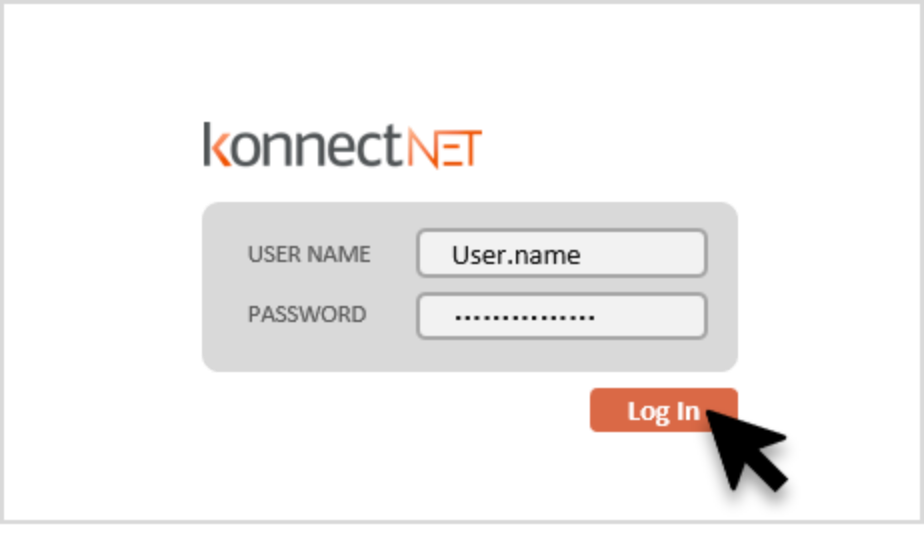
Step 1 – Log in.
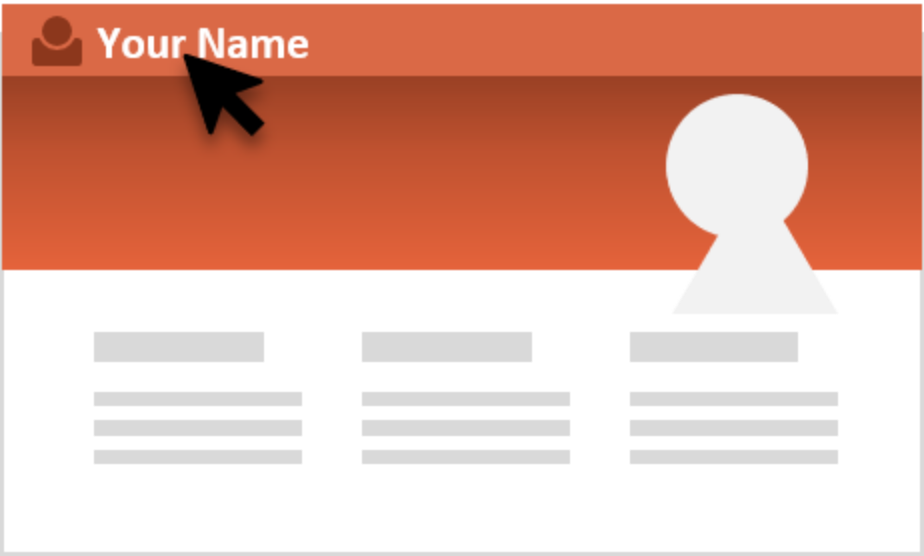
Step 2 – Click on your name at the top left of the navigation bar.
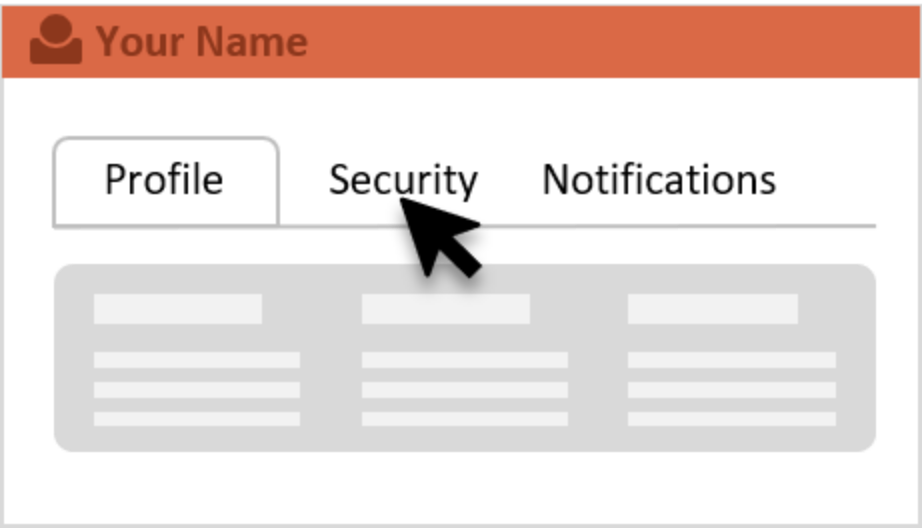
Step 3 – Click the Security Tab.
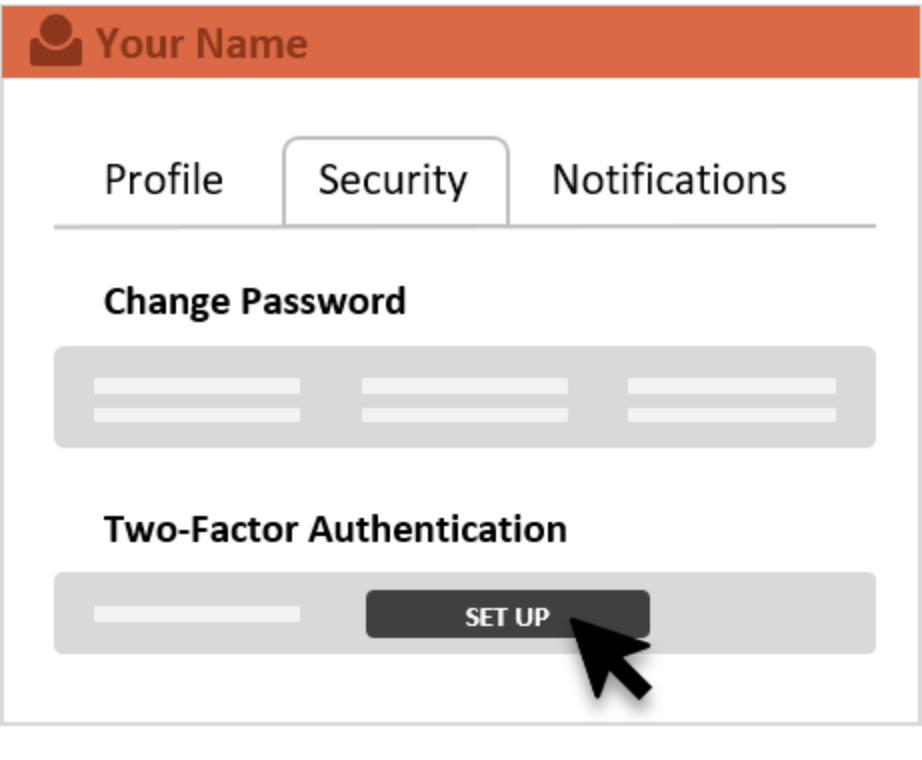
Step 4 – Find the section called “Two-Factor Authentication” and this is where you can set it up.